no photograph yet
docs/devices/m5stack-cores3lite.jpg
docs/devices/m5stack-cores3lite.jpg
One image per board. Check which you need on the device itself - the Diagnostics page reports its board key - rather than guessing from the case.
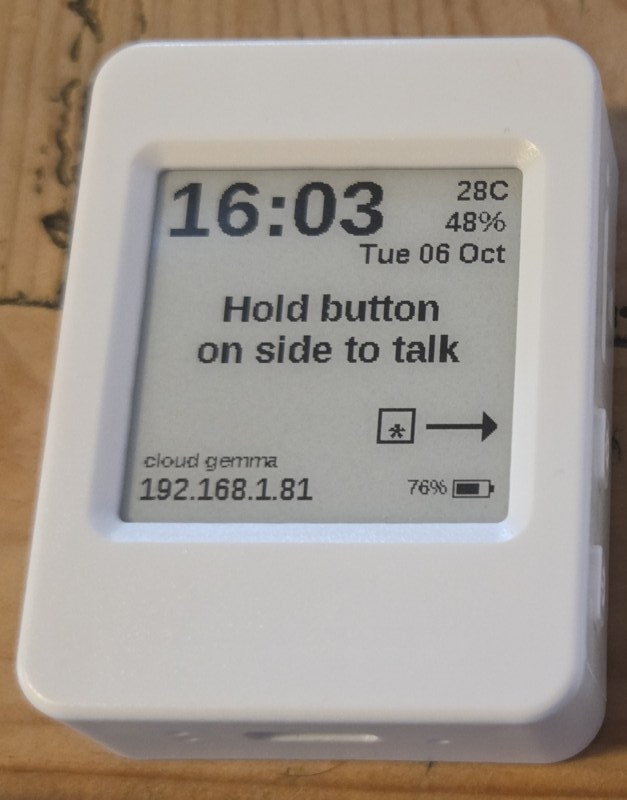
Plug the puck into a computer and use the Update page. It saves the puck's settings to a file, installs the whole current image from scratch - the only way a puck gets a new flash layout - puts the settings back, and sees to its Wi-Fi, AI service and mascots, from whatever state it is in, brand new included.
The downloads above are the app alone, for flashing at 0x10000 with your own tool:
faster and safer than a full install for a puck that is already on the current flash layout, and its
settings and mascots stay. The Update page does this for you when that is all a puck needs.
Every file carries its board key inside it, and both the device and the update tool check it before writing - an image cannot be installed on the wrong board.